How a 3D printing and laser engraving shop runs on Koira
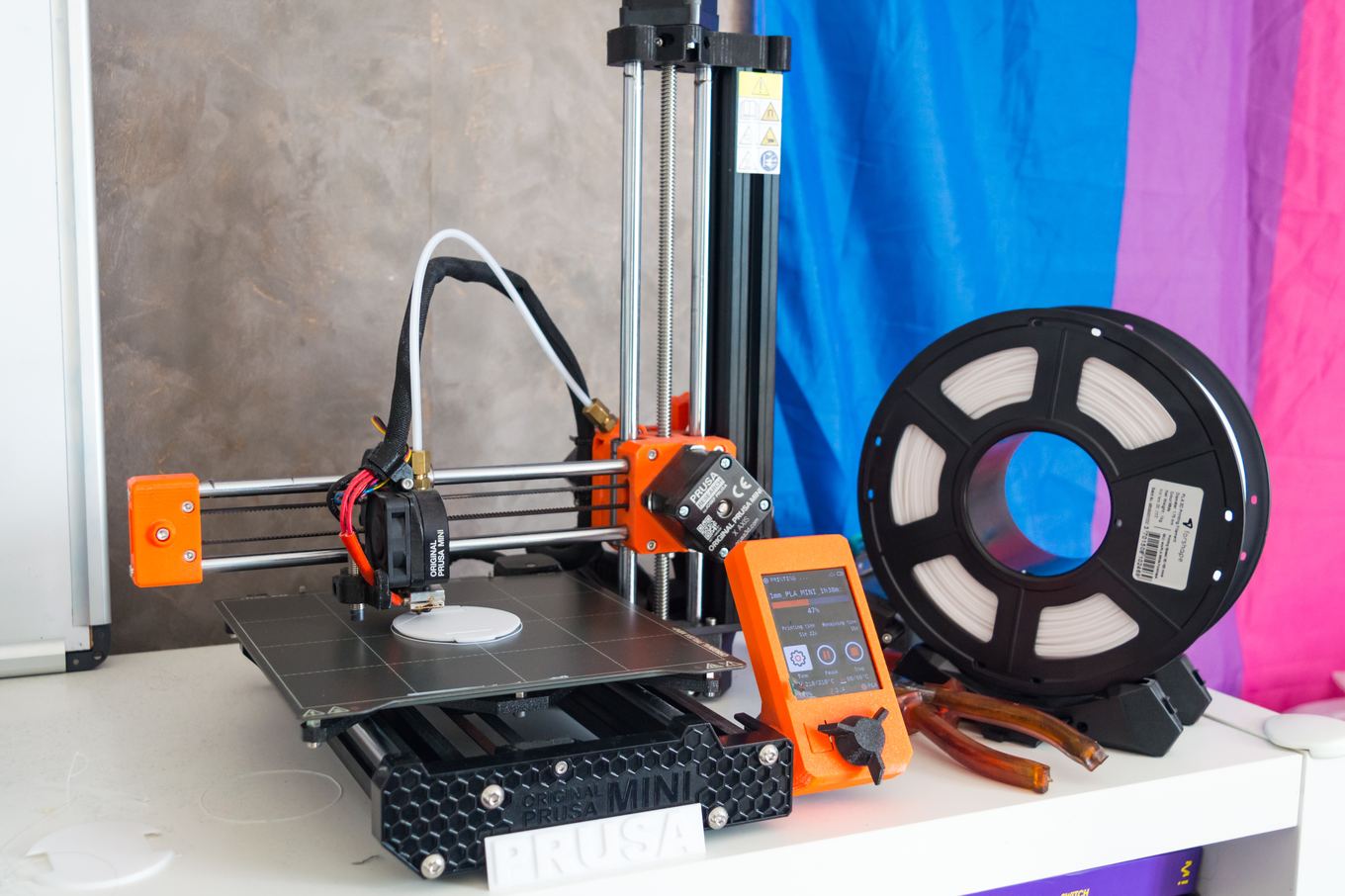
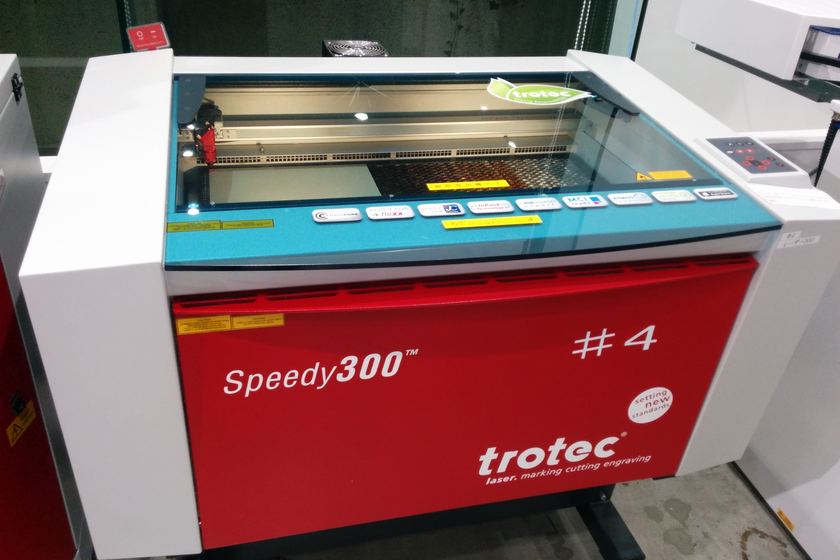
Customers send an STL, a photo of a broken part or a logo to engrave, and ask what it costs and when. Koira takes the file on the quote request, prices it from your list with your setup, minimum and rush fees, and texts the customer when it is ready, with the pay link.
How the day changes
Before Koira
- Files arrive by email, text and chat with no order attached
- Small prints done for less than the time it took to slice them
- Customers asking whether their part has shipped
With Koira
- The quote form takes STL, STEP and SVG files with the request
- Minimum charge, setup fee and rush fee ride on every estimate
- Mark it Ready or shipped and the customer gets the text with the pay link
Why 3D print and laser shops put Koira to work
The quote form takes STL, STEP, DXF, SVG and PDF files, checked by size and type, and you see them on the estimate and the job.
A minimum charge and a setup fee come from your price list, so a single part covers the slicing and the bed change.
Per part and per batch lines price a run of twenty brackets or a box of engraved tags the way you charge.
Choose pickup or shipped on the job, add the tracking number, and the customer gets one text with the pay link.
 QuotesFrom the customer's file
The site Koira builds for a 3D print shop
Here is what Koira builds for a 3D print shop in Madison, WI. Yours is built from your own services, prices, photos and reviews, usually the day you sign up.
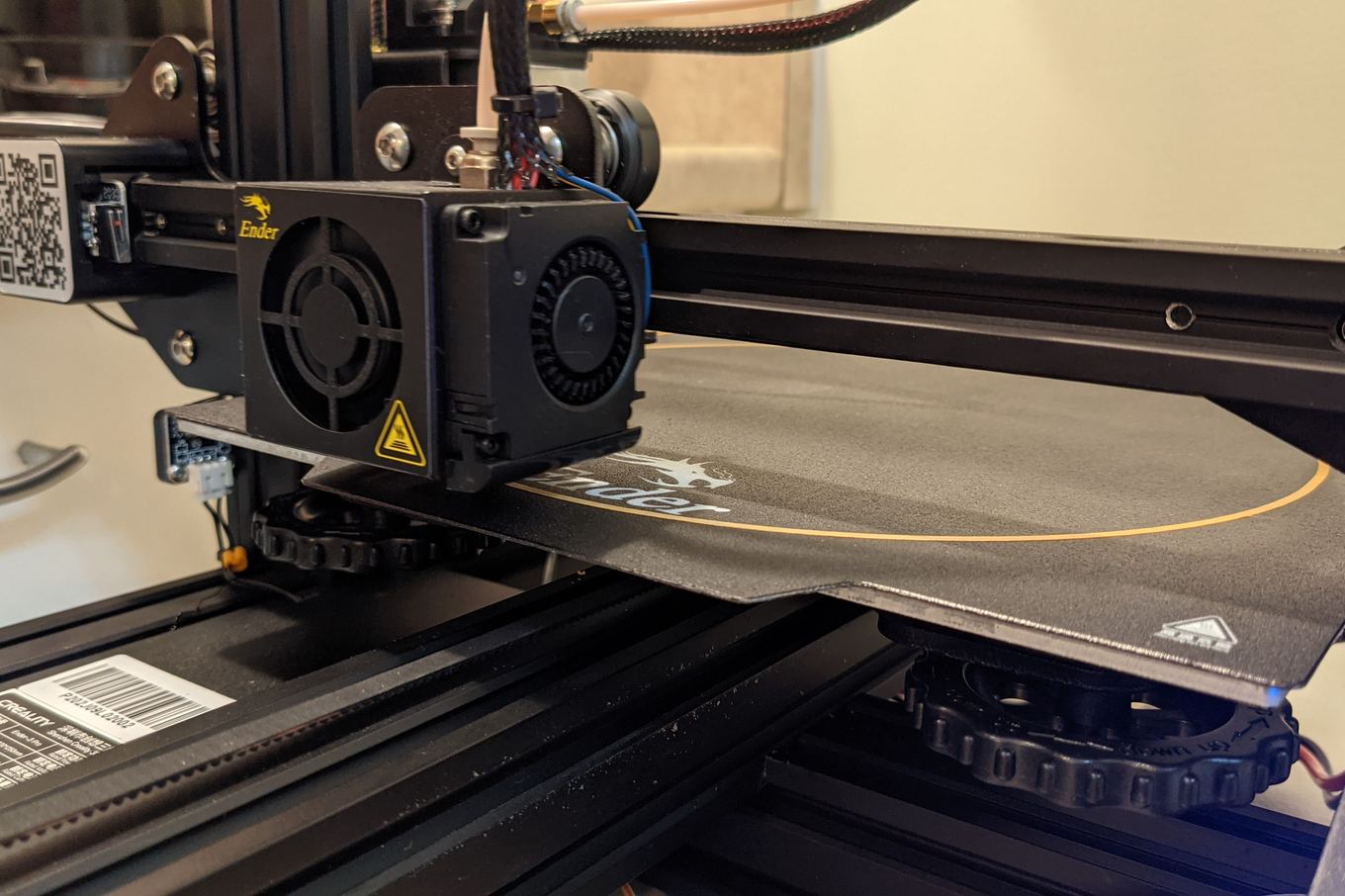
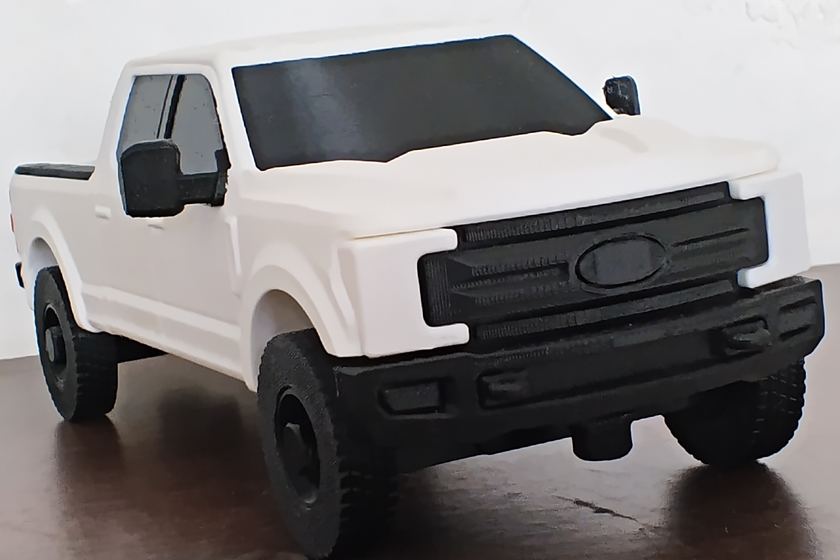
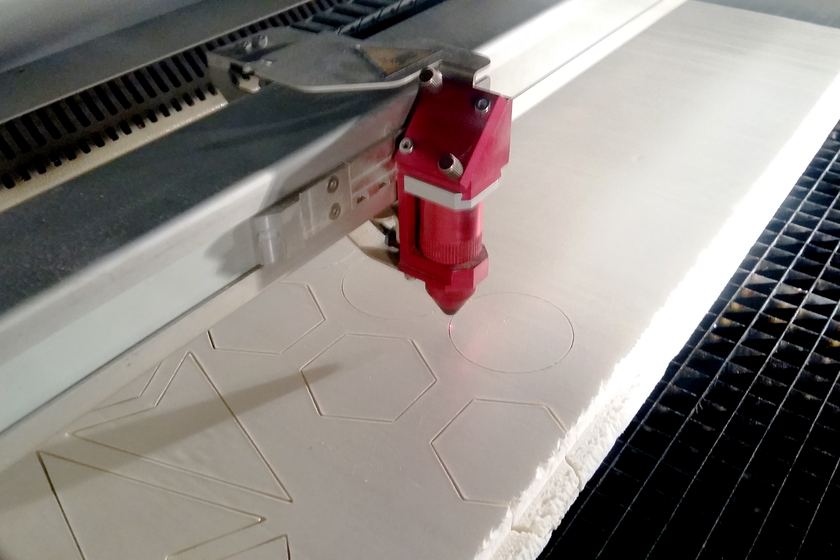
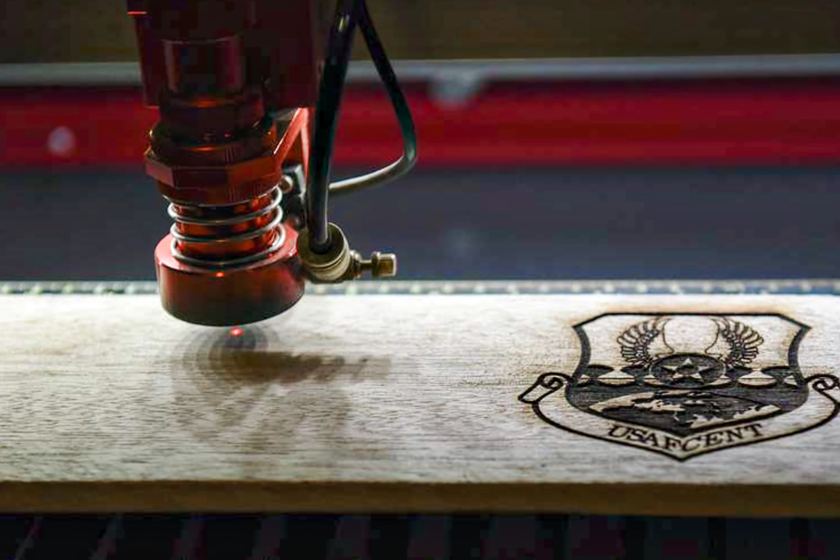
Printed parts, prototypes, replacement parts and laser engraving. Upload your file for a price.



Free tools for 3D print shops


Every free resource for 3D print shops 3D printing business software for small shops
FAQ
Can customers upload an STL for a quote?
Yes. The quote form on your Koira site takes STL, STEP, DXF, SVG and PDF files and photos, and you see them on the estimate and the job.
Does Koira slice the file or work out print time?
No. You slice it as you do now and put the price on the estimate from your list. Koira keeps the file, the estimate, the job and the payment together.
Can I ship instead of pickup?
Yes. Mark the job shipped, add the tracking number if you have one, and the customer gets the shipped text with the pay link.