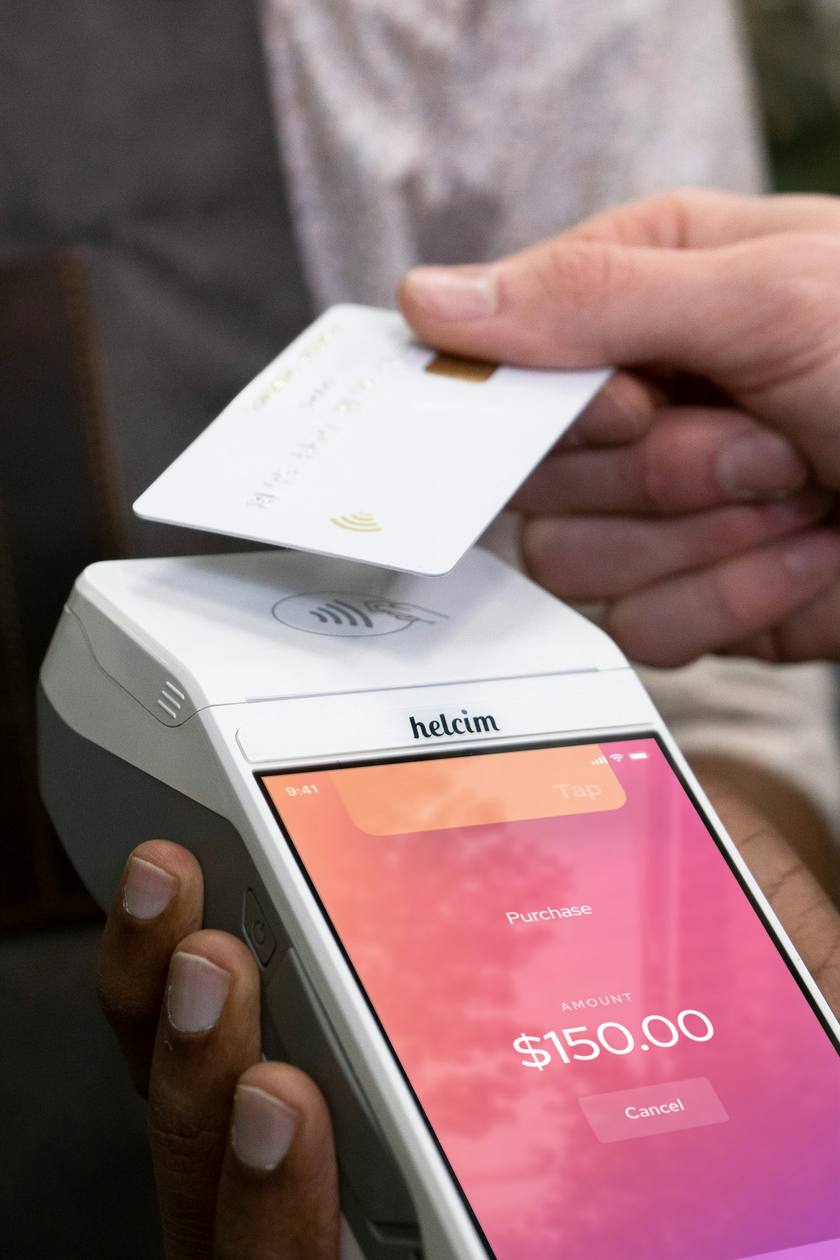
Most late payments are not bad customers. They are invoices sent a week later, checks that sit on a counter and no easy way to pay. The fix is to ask for money at the moments the customer is most ready to pay, and make paying one tap.
- Take the deposit on the same page the customer signs, by your own rule.
- Send the invoice the moment you finish, and let them pay at the door.
- Bill bigger jobs in stages as you finish each one.
- With Koira, payments go to your own Stripe account. Koira keeps 2% on Office, 1% on Grow and 0.5% on Front Office, plus Stripe's processing.
Deposits at signing
Set your deposit rule once, a percent or a flat amount. Koira adds it to every estimate. The customer picks an option, signs with a finger and pays the deposit on the same page, from their phone. Once it is paid, the job goes on your day, and the final invoice shows the deposit already paid. See deposits.
Paid at the door
When you tap done, the invoice is built from the estimate and your price list and sent. At the door, a QR code on your phone opens the pay page: card, Apple Pay, Google Pay or pay over time. The receipt is texted before you have packed up. No card reader. See pay at the door.
Bigger jobs in stages
Progress invoices send the deposit, the midpoint and the final as you mark each one done. On a bigger job, customers can choose pay over time on the pay page.
What it costs
Card payments from your customers go straight to your own Stripe account. Stripe's processing comes out of each one (2.9% + 30¢ for a US card), and Koira keeps 2% on Office, 1% on Grow and 0.5% on Front Office. Every payment in the app shows both. See pricing and how Koira works with Stripe.
Know who owes you
Money shows what is paid, what is due and who is late. Text Koira "who owes me" and you get the list in one line. On Grow, invoices, payments and deposits post to QuickBooks Online as they happen. See QuickBooks.
Questions about getting paid
Can I take a deposit on the free plan?
Yes. Estimates with signing and deposits, invoices and card payments are on every plan, including the free Office plan.
Do I need a card reader?
No. The QR code is on your phone. Customers pay by card or phone wallet.
Where does the money go?
Straight to your own Stripe account. Stripe's processing and Koira's share come out of each payment, and both are shown.
Can customers pay over time?
Customers can choose pay over time on the pay page.