NAP listings: your name, address, phone and hours, the same everywhere.
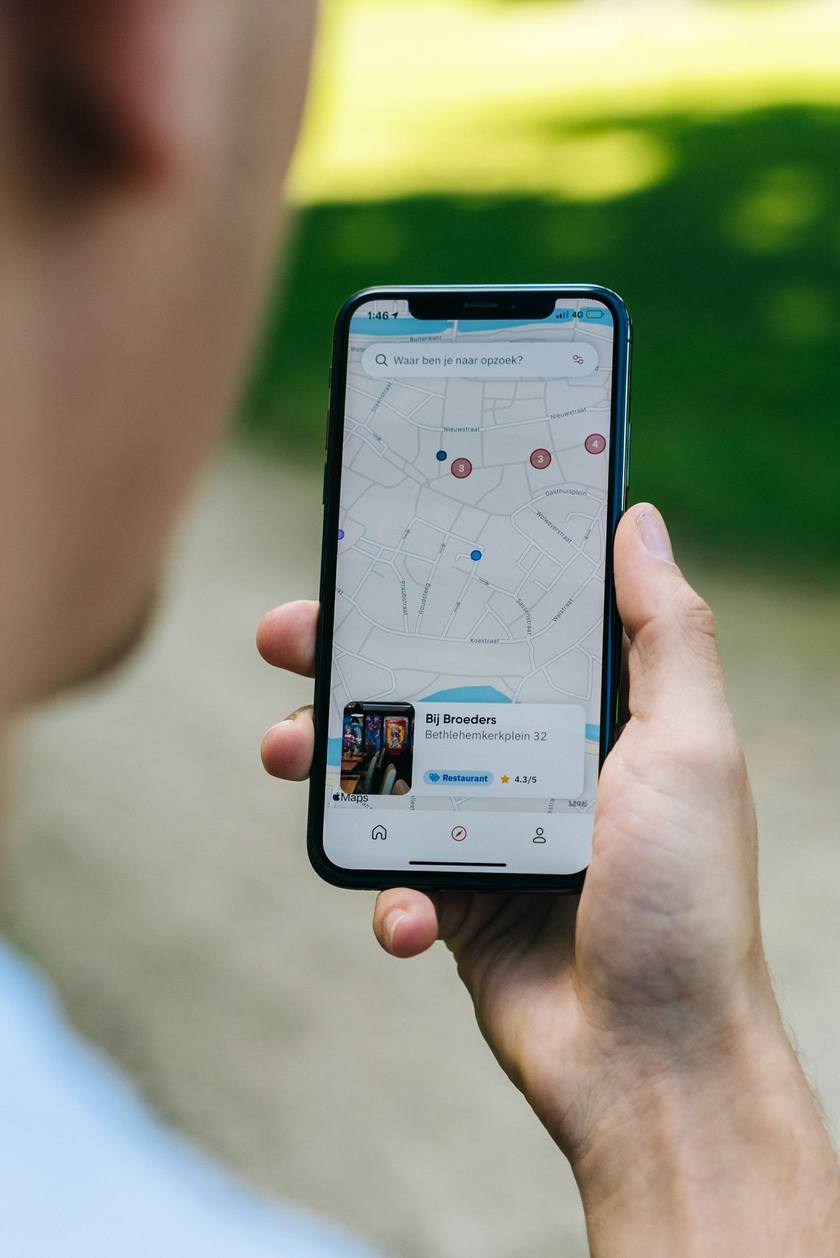
NAP listings are the places your business name, address and phone number appear online: your Google Business Profile, Bing Places, Apple Maps and directories like Yelp. When every listing matches your website, customers and search engines can trust the details. Koira keeps your Google and Bing listings in step with your site, so a neighbor never calls a wrong number.

A wrong listing costs you the call
Change your hours once in Koira and your listings follow.
Finished-job photos go to your listings, so they never look abandoned.
Every service you offer is listed the way people search for it.
Listings that look after themselves
What is coming
Apple Business Connect, and updates written straight to your Google Business Profile.
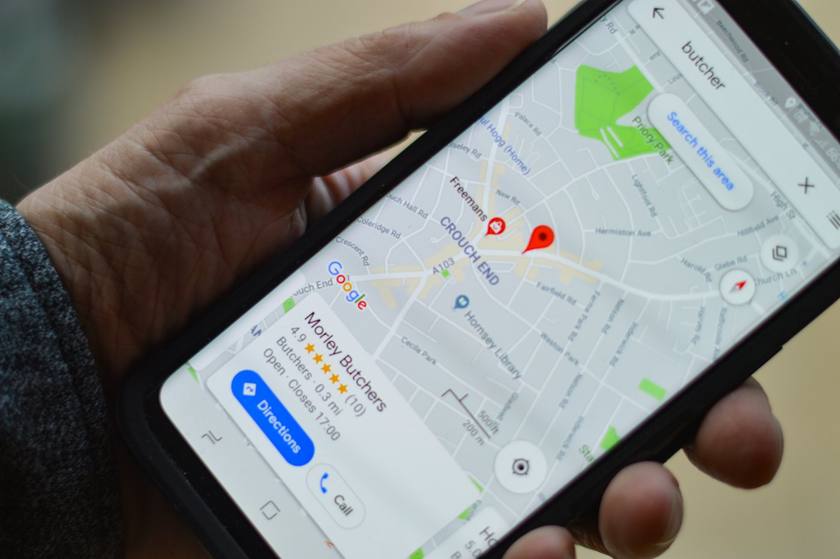 The right number, the right hours
Part of getting found
Matching listings, town pages and steady reviews all point the same way.
How it plays out on a real job
Same steps every time. That is the point: you know exactly what Koira will do, and when.
 Once
OnceNew hours, a new service or a new photo. Tell Koira and you are done.
Minutes laterGoogle and Bing show the same hours, services and photos as your site.
 Any day
No wrong numbers, no "closed" when you are open.
FAQ
What is a listing?
The box with your name, hours, phone, photos and reviews that shows up on Google, Bing and maps. For most contractors, more people see it than see the website.
Which listings does Koira cover?
Google and Bing today, through the Google Business Profile integration and Bing Places. Apple Business Connect is coming.
Could I just update them myself?
You could. Most owners do it once and never again, and that is how hours end up wrong. Koira does it every time something changes.
What does NAP stand for?
Name, address and phone number: the three details that identify a local business online. Most listings also carry your website, hours and services, so keep those matching too.
Why do NAP listings need to match?
Google says local results are ranked on relevance, distance and prominence. Matching details make it plain that every listing is the same business, and a listing with an old phone number or address sends a ready customer to a dead line or the wrong street.
How do I check my NAP listings?
Search your business name and your phone number on Google, Bing and Apple Maps, and note every listing with an old address, number or spelling. The free Google Business Profile checker looks over your Google listing, and the guide to a business not showing on Google Maps covers what to fix first.
What if I work from home and have no storefront?
A service area business can hide its street address on Google and show the towns it serves instead. Keep the business name and phone number exactly the same everywhere, and use the same address wherever one is required.
Built for the trade you run